WordPress:
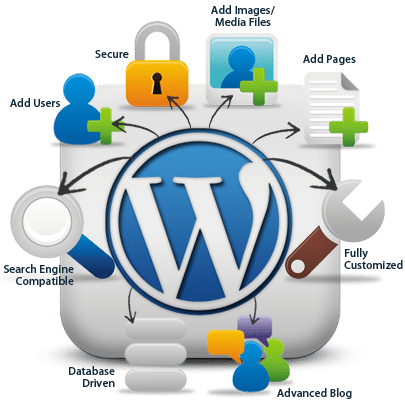
. Being able to show/hide things using screen options. – I think this feature is quite useful because it allows you to take more control of your website, choosing what you would like the viewer to see.
. Being able to move, add, or delete dashboard widgets. – Definitely helpful , great for business profiles to use on their websites. Not sure if everyone would use it as whole, it depends on the purpose of their website.
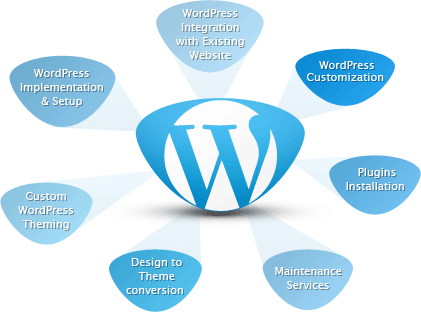
. Having the ability to preview themes without activating them – Again, definitely helpful as when you want to choose your theme, you would most likely want to skim through them all until you find the one that best suits and is the one you want to activate.
. Being able to embed links, videos and multimedia – This is useful , especially if you want to show examples of something, or if you are talking about a specific link, video or multimedia. It can help also with expanding your website.
. Small selection of font pairings to choose from – Useful of course for setting your own style to your website, however, would be better if they did more, different fonts that are much different to each other and all hold different styles rather than the same.
Instagram:
. Image editing – Helpful for if you don’t want to download another app to simply edit your photos/posts, also the editing that instagram offers is actually quite easy to use and simplistic, you are able to edit them to whatever extent you want.
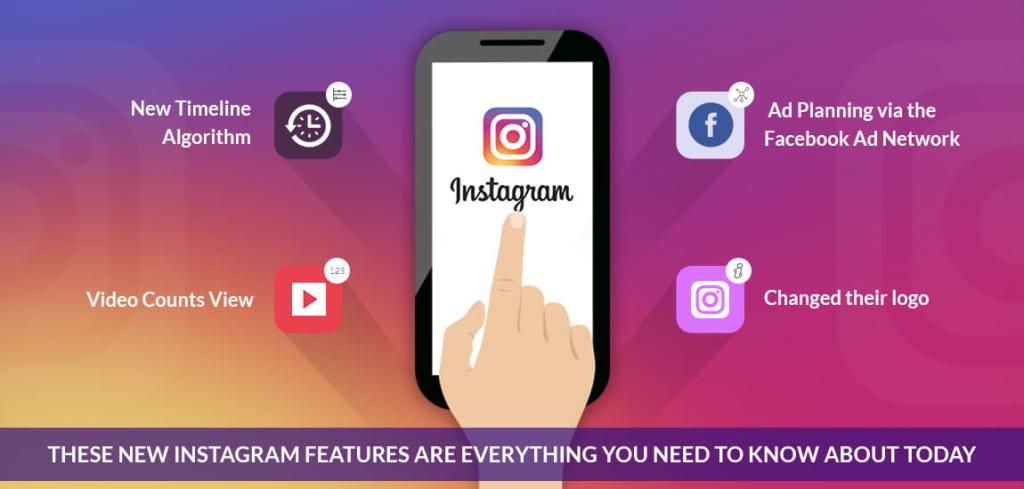
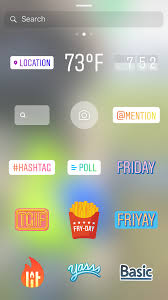
. Location tagging – Useful for when you want to show the viewer where the shot was took.
. Private messaging – I’d say it’s somewhat useful but not completely, as there isn’t many purposes with private messaging.
. Stories – Useful and expands instagram more with their entertainment and features.
. Filters – Useful for when you don’t want to go through the whole editing process. There are plenty to choose from , so you can decide which best fits your photos.
. Hashtags – Useful for getting others out there that you don’t follow to reach and see your photos by using hashtags. Able to attract a bigger audience.
My own experience with WordPress so far:
So far with WordPress, i find that i am starting to adjust to their features and beginning to see the variety that they have so I can change everything to the liking that seems best. It seems to be fairly easy when making a website and is very straight forward. I believe WordPress is something that takes gradual time to learn specific areas and tools, but once you’ve grasped it, you can create your own website to the best of your ability.
There is certainly more that I need to find out and some areas that will take time getting used to, such as; finding out how to properly add dashboard widgets, and being able to embed links and images in a specific place.
However, other than that, I am starting to get the hang of it and find that i’m now starting to add my own personal touches and express myself with this website.
My ongoing experience with Instagram:
Personally, I find really easy to use and i’m able to access and make use of majority of their features. I find that features such as filters, which is great way to have edited photos without spending loads of time with editing them yourselves with the whole process and also features like hashtags help grow your Instagram more with followers and getting people to notice your posts and profile.
I have used Instagram for quite a few years since 2017, so a lot longer compared to using WordPress which may be why I am so used to the features and my knowledge of them.
Instagram has been definitely an easy way to post and get my pictures out there along with typing my own personal thoughts underneath; I also promote my pictures sometimes by putting them on my story alongside hashtags, so my followers and others can notice my work.
 Caitlink photography